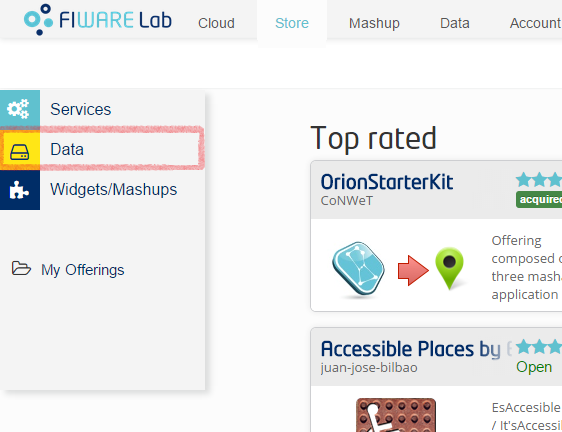
Customers can access the FIWARE Store to acquire one or more datasets. To do so, they have to enter the Store and look for datasets in the “Data” section. This section can be found in the left side bar.
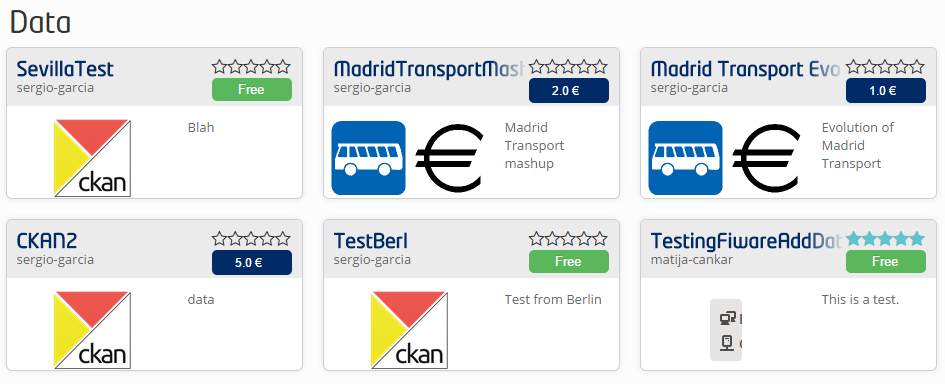
Once in the Data section, user will see all the offerings that contain data. Users can choose the one that fits their requirements and acquire it by clicking in the appropriate button (the one with the price or with the label “Free”).
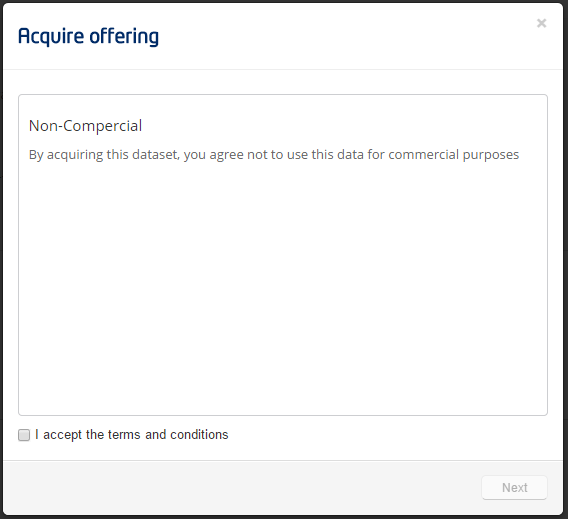
By clicking this button, a new dialog will be displayed. If the offering has some legal conditions attached, the user will be forced to accept them before completing the process.
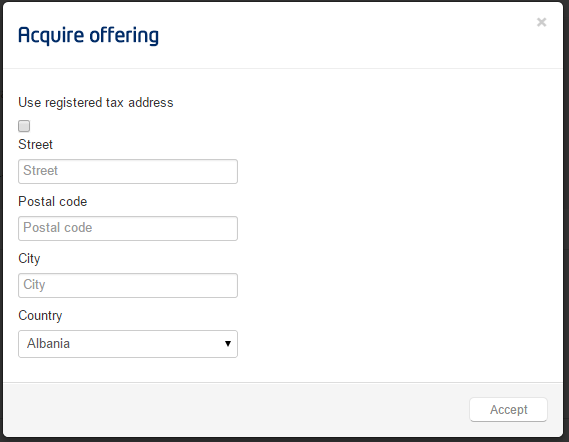
Finally, the user will be asked to enter his/her address.
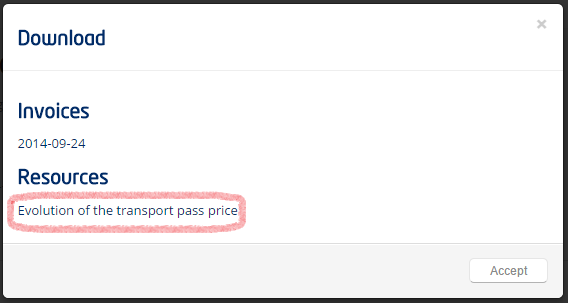
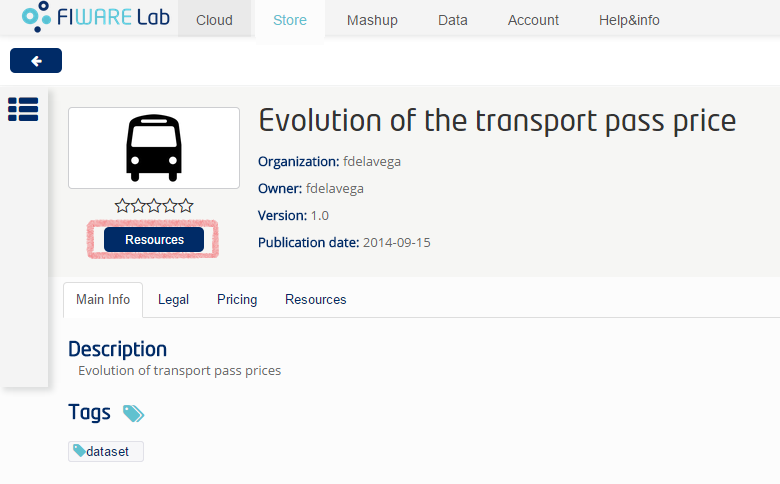
Once that the offering has been acquired, the user will be able to access the attached datasets. To do so, the user should access the offering and click on the “Resources” button.
A new dialog will be displayed with all the resources contained in the offering. Among these resources, the user will find the dataset: